
Guide to Working With Facebook Creators
Learn what Facebook creators do, how to hire them well, common pitfalls, and where to find reliable UGC talent fast.
Table of Contents
Creator-made content drives decisions in a way traditional ads rarely do. Meta’s research shows that 58% of consumers have bought a product in the past six months because a creator recommended it, and 86% of people take action when the content feels genuinely shareworthy.
Those numbers explain why brands are paying closer attention to creators on Facebook who can produce relatable, high-trust content.
In this blog, you’ll get a clear look at what a Facebook content creator is, how to hire one the right way, the pitfalls to watch out for, and where to find great creators without spending hours scrolling.
What is a Facebook content creator?
A Facebook content creator is someone who produces videos, photos, or short-form posts that brands can use on their Facebook Pages, Ads, and Reels. They are not influencers, so they aren’t hired for their own audience. They’re hired for their ability to make content that feels native to the platform and gets attention in the feed.
For brands, these creators act like on-demand storytellers. They film product demos, unboxings, reviews, skits, lifestyle shots, or simple talking-to-camera videos that look like something a real customer would post. Because the content is made for your channels (not theirs), you get fresh assets that work across Facebook Ads, Reels, and organic posts.
For example, a women's fashion brand leveraged creators to improve their ad-to-cart conversion rate. It helped the brand optimize its budget and increase ad recall.
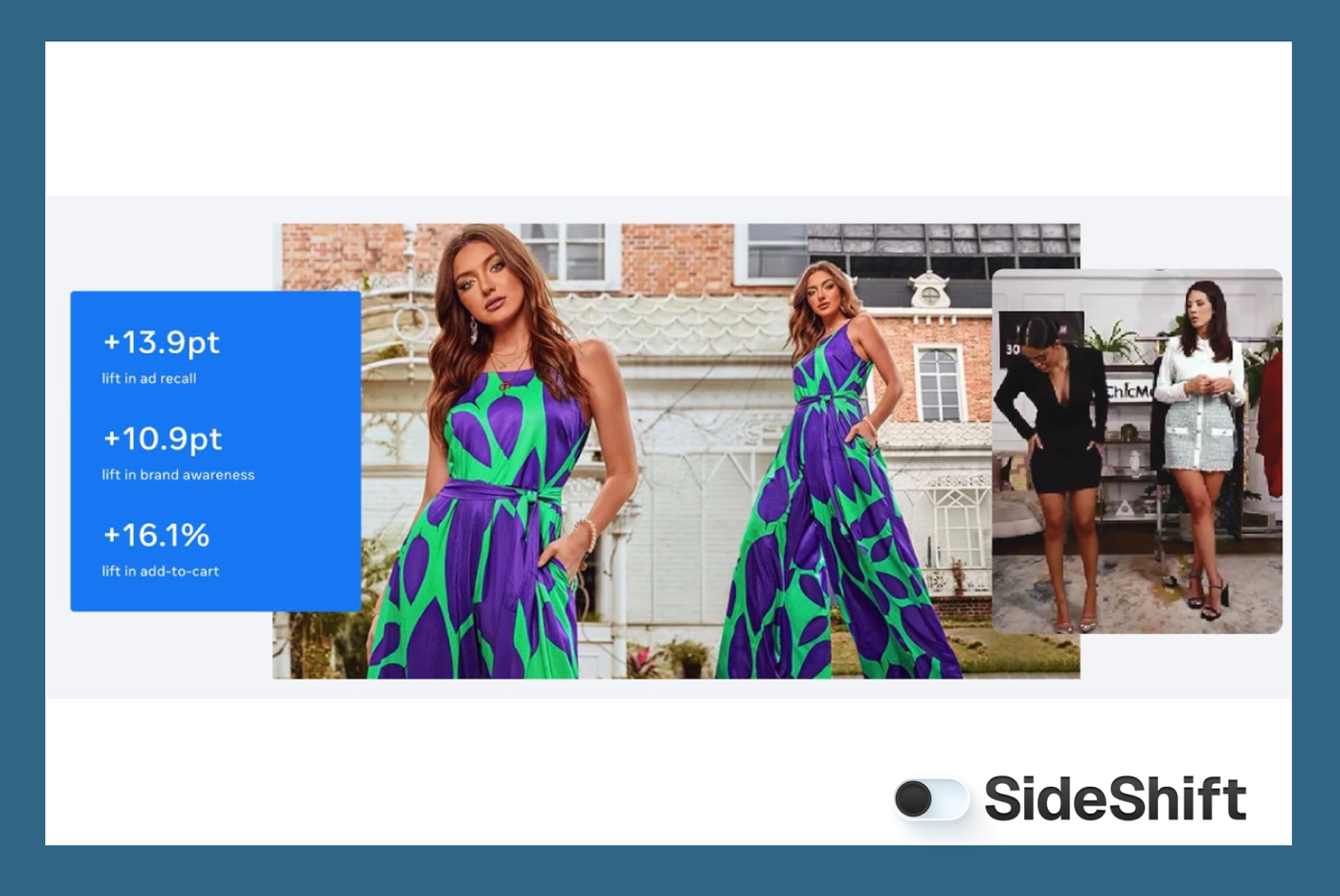
The content spread quickly through Reels, sparked user participation, and even inspired people to film their own versions.
How to hire Facebook content creators the right way
A clear process saves time, filters out bad fits early, and gets you better content without the usual back-and-forth.
Step 1: Define the type of content you want
Before you hire a Facebook creator, get specific about the exact kind of content you need. Not themes. Not vague ideas like “something authentic.” You need a clear picture of the format you’re buying because creators specialize in different styles.
A simple way to do this is to break your request into four parts:
1. Format
Decide on the structure of the video. Facebook creators usually work across a few common formats:
- Product demo (showing how something works)
- Testimonial-style (creator speaking to camera)
- Lifestyle clip (product used in a natural setting)
- Unboxing video
Once you know the format, you can filter creators who naturally produce it.
2. Length
Facebook Reels and feed videos behave differently. Reels tend to sit between 6–15 seconds, while feed videos can go longer. Choosing the length upfront helps creators script and plan the pacing.
Creators who are good on camera tend to create small viral moments that can be clipped into additional Reels or ads.
3. Product moments
List 3–4 things that must appear. For example: unboxing, close-up of a feature, a specific use case, or a before/after moment. This prevents rounds of revisions later.
4. Mood and tone
Pick a direction instead of adjectives. For example: “calm and straightforward,” “casual and conversational,” “playful,” or “instructional.” This gives creators enough guidance without boxing them in.
Want to put this into practice?
SideShift connects you with vetted UGC creators who actually deliver. Start your free trial and post your first job in under 10 minutes.
Once these four pieces are written down, your brief becomes easier to understand. Creators know what you’re hiring for, and you can judge applications against a clear set of expectations. This one step removes most of the confusion brands face later in the process.
Step 2: Narrow down the type of creator you need
The goal is to pick someone whose natural style matches the kind of content your product needs. Here are the things that actually matter:
- What they’re comfortable talking about: A creator who explains tools, apps, or features will make software feel simple. A creator who films routines or try-ons will make beauty or wellness feel natural. Category familiarity speeds everything up.
- How they deliver on camera: Some creators talk directly to the camera. Some rely on visuals and transitions. Some are great at voiceovers. Match this to the format you defined in Step 1 so the content feels intentional.
- Their on-camera personality: You don’t need their followers, but you do want their tone to fit your buyer. Technical products need clarity. Lifestyle products need warmth. Fitness products need someone who can demonstrate movement confidently.
When you pick a creator whose strengths line up with your product, the content feels genuine and more convincing for your audience.
A lot of the same dynamics that make micro influencers effective apply here — smaller creators often bring a more natural on-camera presence, which makes their content feel closer to a customer recommendation.
Step 3: Find the right creator
When your brief is set, start sourcing creators where they already spend time. You don’t need a complicated search, but just a few reliable channels.
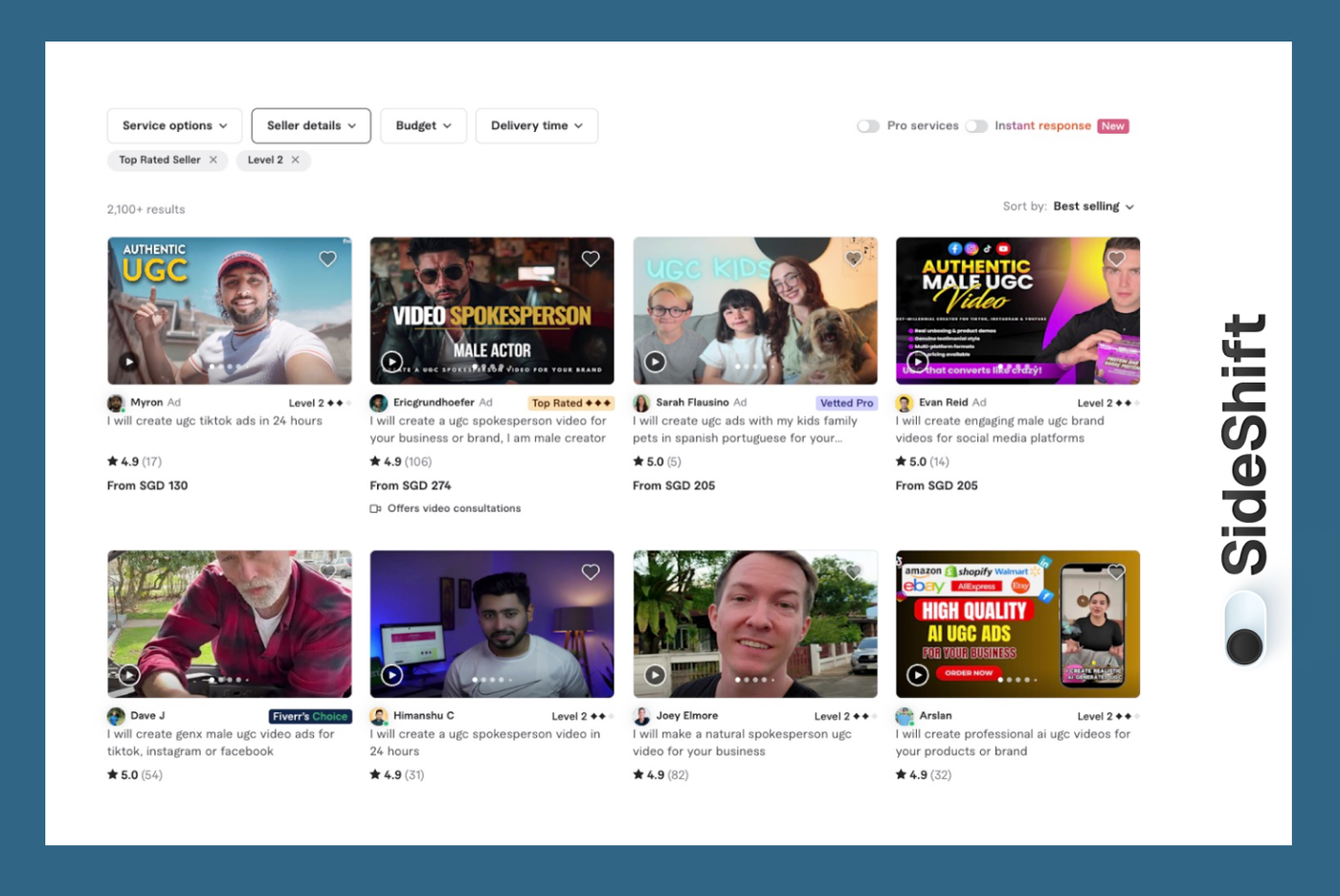
- Upwork or Fiverr: Many UGC creators list fixed packages you can browse quickly.
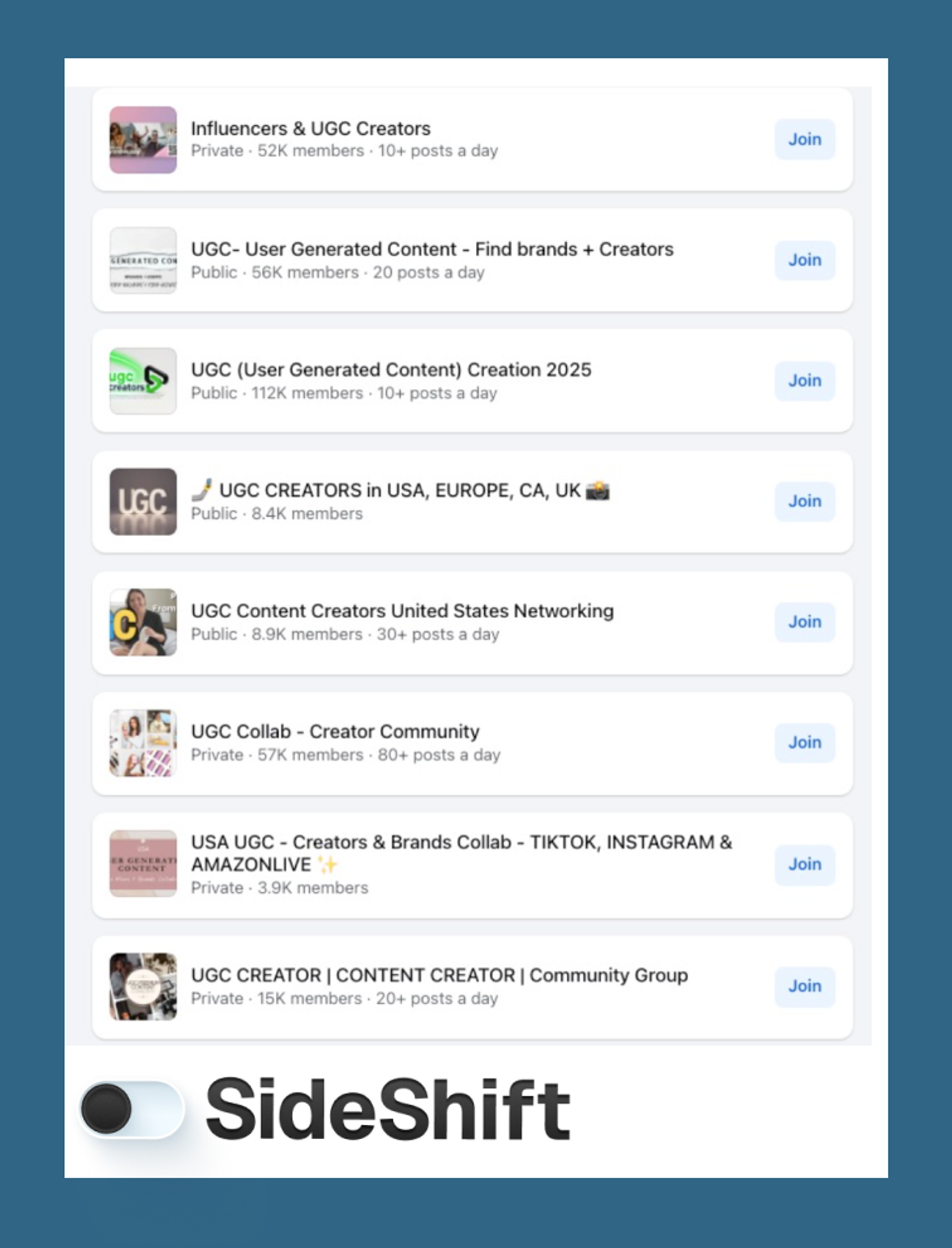
- Facebook Groups: Post your requirements in UGC, creator, or niche industry groups and review applications in one thread.
- Your customer base: Add a line in your newsletter or community asking if any customers create content. If you get UGC content from your customers, it's a win-win for both, as they already understand your product.
- Referrals from other brands: Ask peers in your category who they’ve worked with and trust.
- Hashtag search: Tags like #ugccreator, #ugcvideographer, or category-specific tags help you find people with the right style.
These methods work, but they take time to manage.
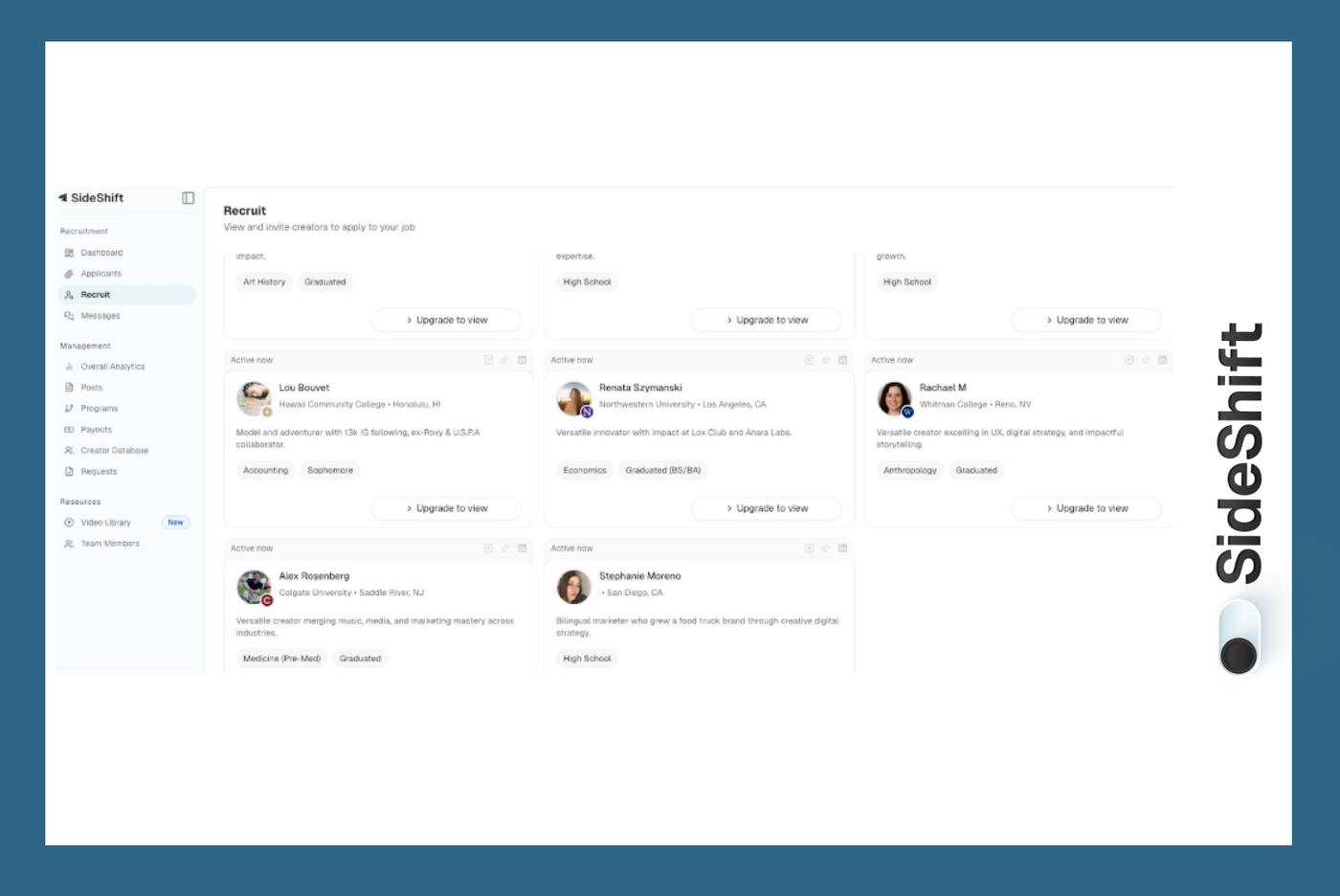
If you want a simpler way to source creators who already match your brief, SideShift lets you post once and receive vetted applicants without manual searching or DM outreach. You can also browse profiles and invite creators to apply for your gig.
Step 4: Reach out the right way (and to more people than you think)
Once you’ve picked the creators you want to work with, start reaching out. Creators get a lot of inquiries, and inboxes move fast, so treat this part like a numbers game without making it impersonal.
A few simple rules help:
- Message more creators than you plan to hire: if you need two creators, reach out to ten or twenty. Not everyone replies, and not everyone will be available when you need them.
Want to put this into practice?
SideShift connects you with vetted UGC creators who actually deliver. Start your free trial and post your first job in under 10 minutes.
- Keep your first message short and clear: include what you need, the type of video, your timeline, and whether it’s a one-off or ongoing project. Creators respond faster when the ask is easy to understand.
- Avoid assuming they’ll take the project immediately: UGC work is transactional, but creators still choose projects that make sense for them — timeline, rate, product fit, and creative comfort all matter.
- Make sure to agree with pricing from the get-go: many deals fall flat right when pricing and payment structures are the topic of discussion. In order to avoid situations like this, make sure to establish transparency at the beginning of negotiations.
If you keep the communication simple and reach out to a healthy number of creators, you’ll avoid delays and unnecessary back-and-forth. The goal isn’t to “win them over”, it’s to give enough clarity that the right creators can say yes confidently.
Step 5: Align on the basics before you start
When a creator agrees to work with you, don't just go ahead and ask them to send you the content right away. Get some practical details sorted so no one is guessing later.
Confirm the rate and what it actually covers — final edit only, or raw clips too. Check their availability and agree on a delivery date that works for both sides. If you're planning to use the video in ads, say it upfront so there’s no confusion about usage rights or pricing.
Keep revision expectations simple. One small round is normal. Multiple rewrites usually mean the request needs tightening.
If you’re sending a physical product, collect their address and confirm shipping timelines. For software, share access early so they can record cleanly without waiting on logins.
This alignment doesn’t take long, but it keeps the project clean and avoids the back-and-forth that slows brands down.
A simpler way to hire Facebook content creators
Most teams want to work with creators, but the actual process can be messy: too much manual outreach, too many unqualified applicants, slow back-and-forth on contracts, and no easy way to track performance once content goes live. The result is a hiring cycle that feels longer than it should be.
SideShift was built to remove that friction. Instead of searching through endless profiles, you can post an opportunity once and reach a large pool of vetted creators who already understand UGC. Everything happens in one place (applications, shortlists, performance metrics, and payouts), so you spend less time coordinating and more time running the campaign.
With more than 500,000 creators on the platform and thousands of brands actively hiring, the system makes it easier to scale UGC without relying on spreadsheets or manual sourcing.
You can explore how it works or set up your first creator opportunity here. Sign up for SideShift. It takes only a few seconds.
FAQs
1.What makes Facebook different for creators compared to other platforms? Facebook has strong community tools — Groups, long-form posts, and video features — which help creators build deeper relationships and repeat engagement.
Want to put this into practice?
SideShift connects you with vetted UGC creators who actually deliver. Start your free trial and post your first job in under 10 minutes.
2. Is Facebook still a good platform to grow as a creator? Absolutely. Facebook’s algorithm still rewards valuable content, and Reels have revived organic reach for new creators.
3. How do Facebook creators earn money? They can monetize through in-stream ads, fan subscriptions, branded content, live events, and by creating UGC for brands.
4. What content performs best on Facebook? Short-form videos, educational posts, relatable memes, and community-focused stories typically perform well.
5. Do you need a Facebook Page to start creating content? Yes — Pages unlock creator tools, analytics, monetization, and branding features.